 Near Field Communication (NFC) products Online Store
 Worldwide Shipping (free DE shipping)

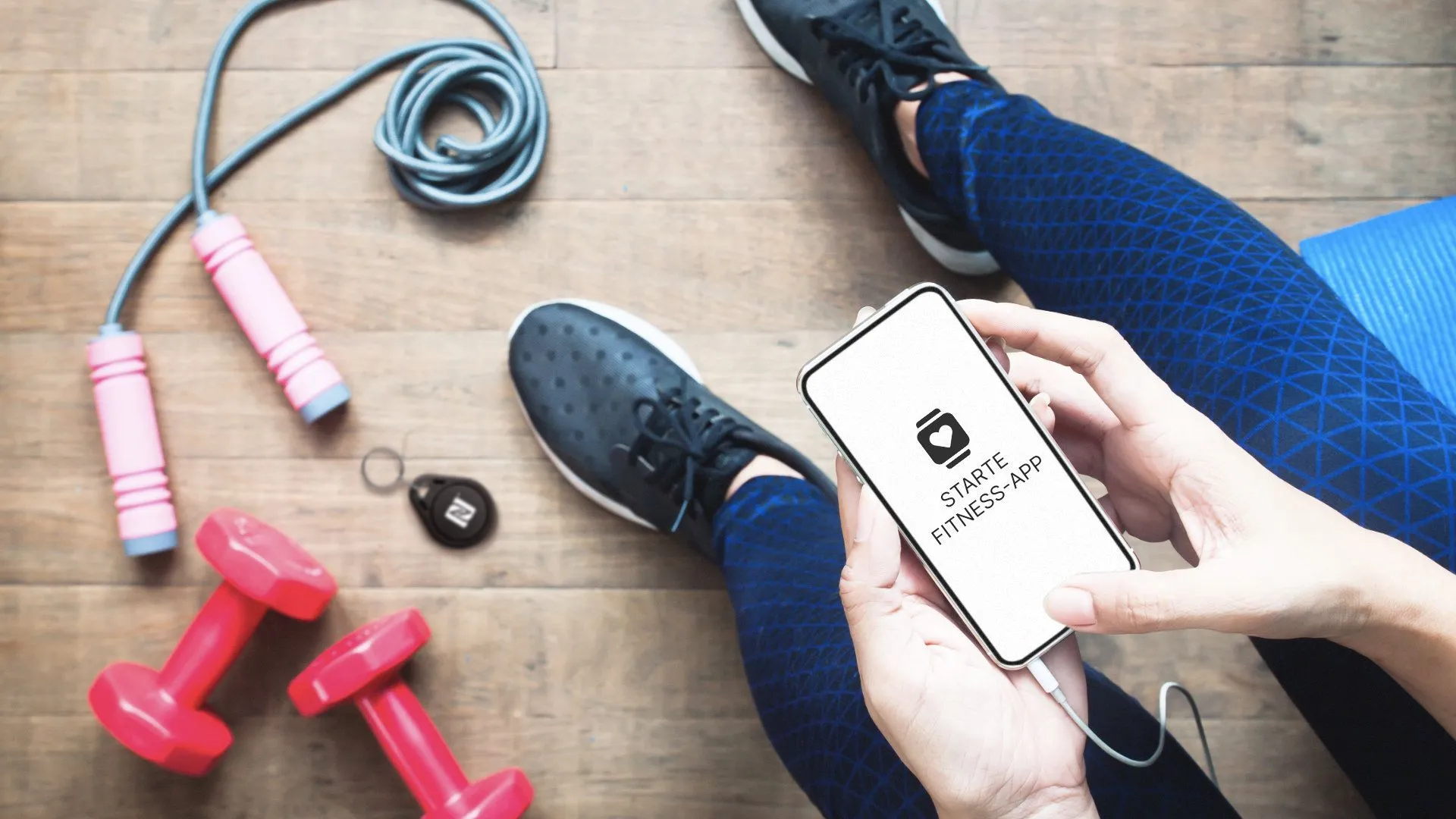
With an NFC tag, apps can be started directly without having to select them yourself on the home screen. What sounds like a minimal time-saver can be a great help in certain situations. Imagine you have a short break between two work meetings. During this break, you want to switch off a little and try out a few sports exercises. To be able to start your training straight away, you can start your fitness/running app directly by scanning an NFC tag. For example, you can attach an NFC sticker to your fitness device or use an NFC wristband.
In this How2 we explain how a special fitness app can be started with an NFC tag.
Info: If you want to download the finished shortcut directly and save it on the NFC tag, skip straight to the end of this article.
Content:
- Create shortcut for fitness app
- Trigger shortcut via NFC tag
- Addition: Record current location on the track
Create shortcut for fitness app
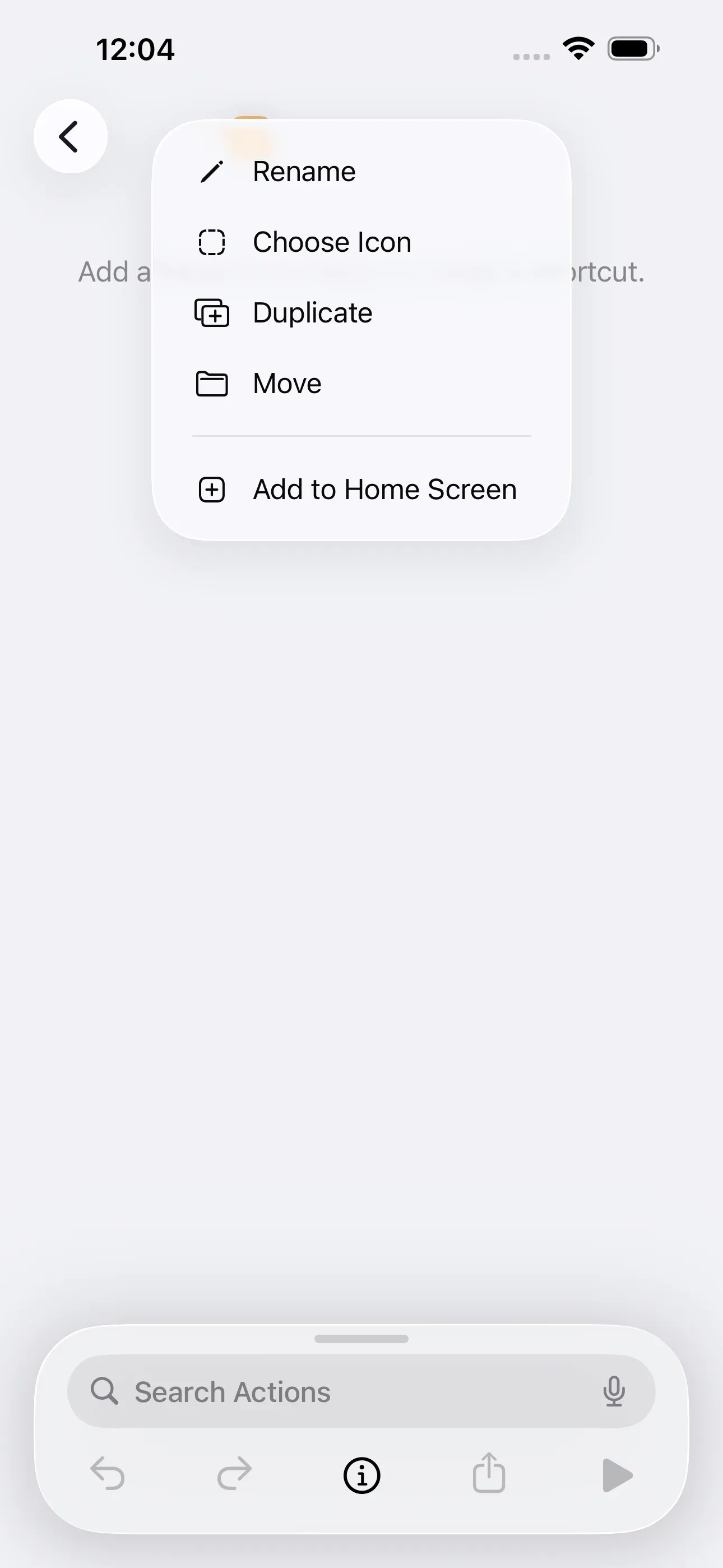
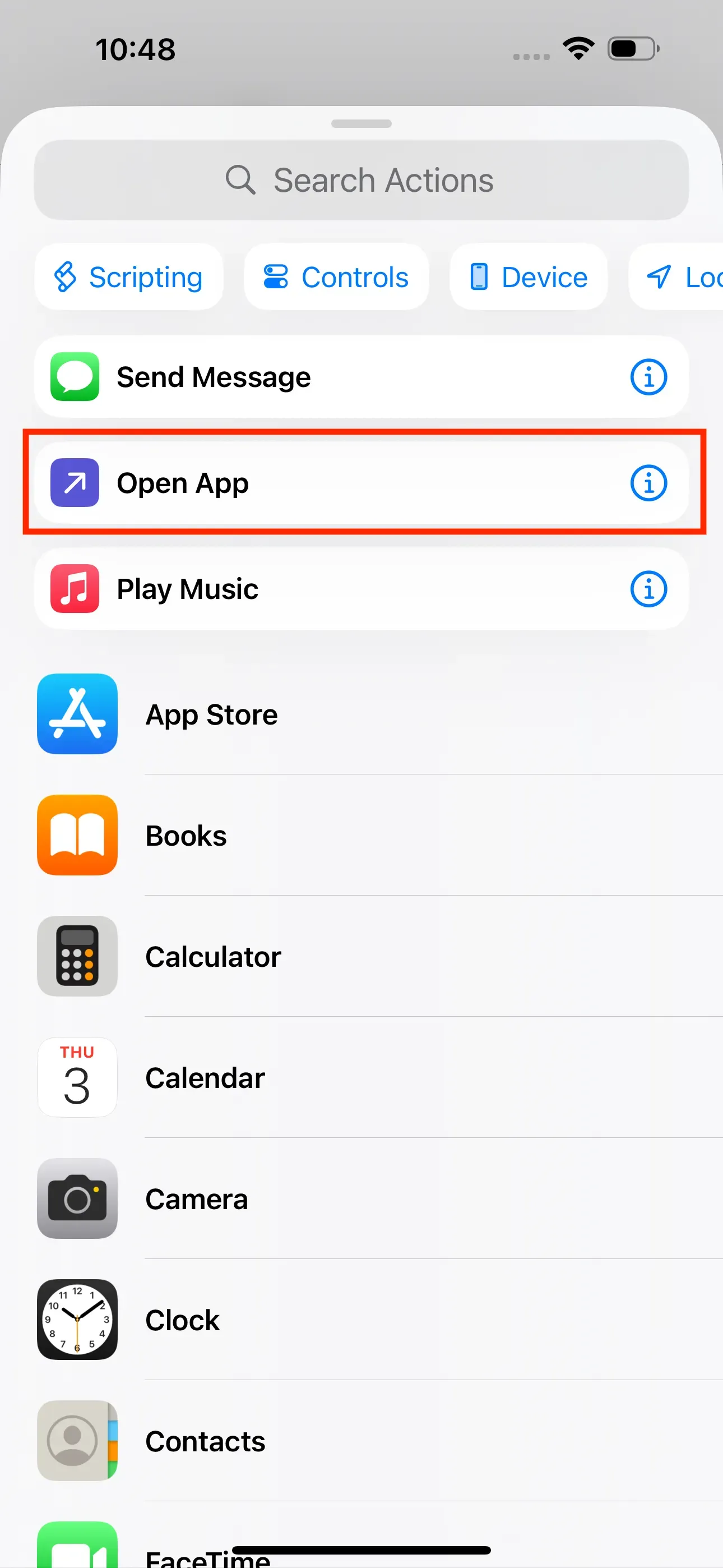
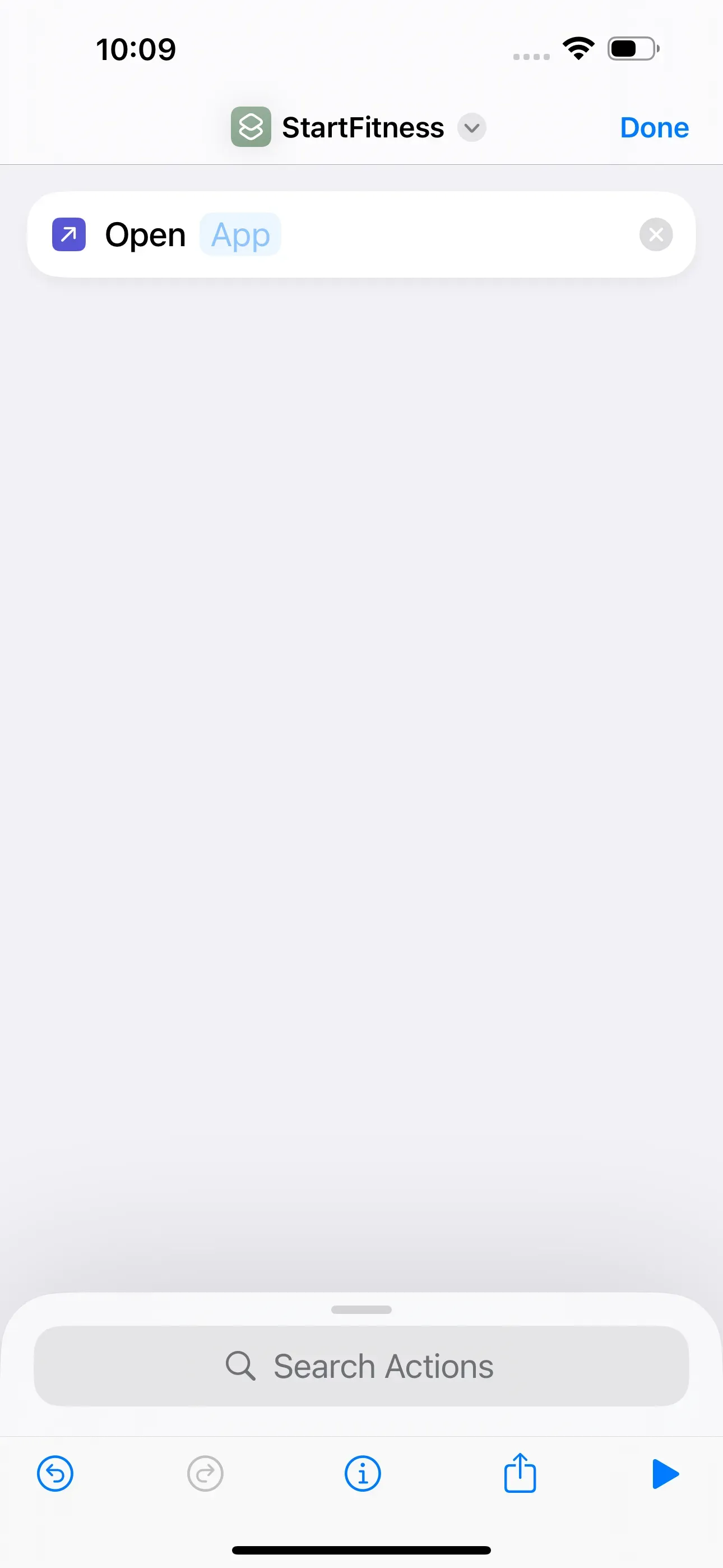
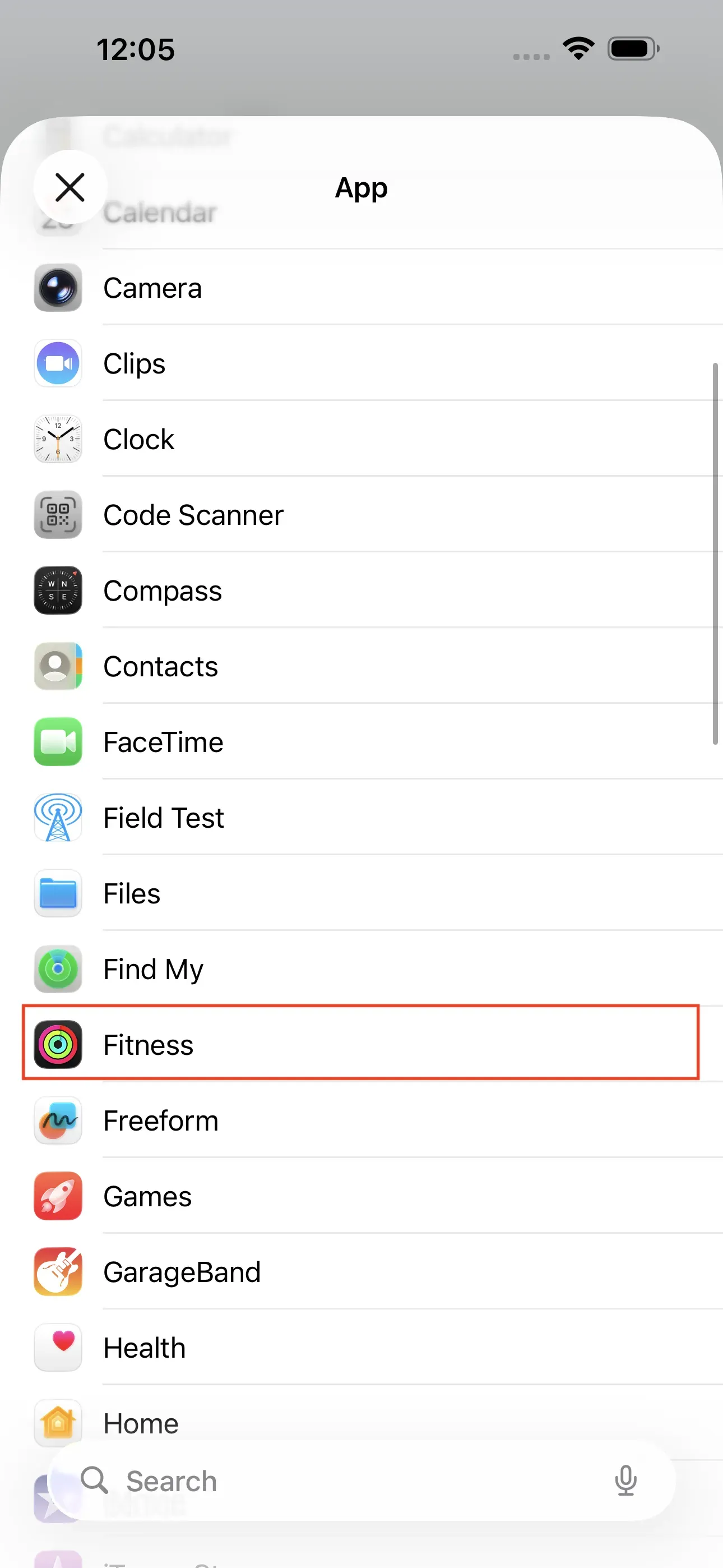
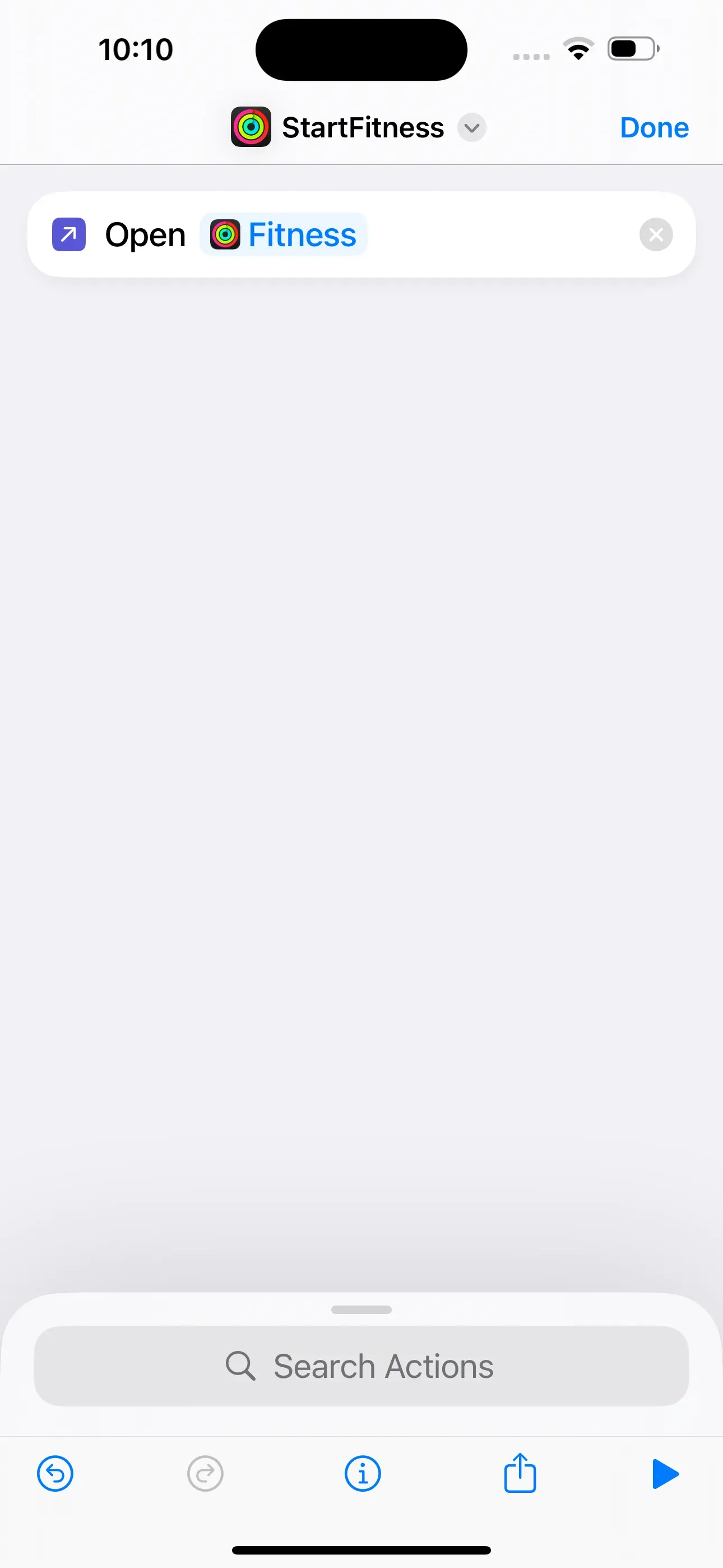
First, we create a shortcut via the app Shortcuts. There we tap on + at the top right and name this shortcut StartFitness. In the next step, tap on Open App. If this action is not displayed, enter Open in the search field and then tap on the action. We then tap on App and select the desired app from the list. Finally, we return to the home screen of the Shortcuts app.
Trigger shortcut via NFC tag
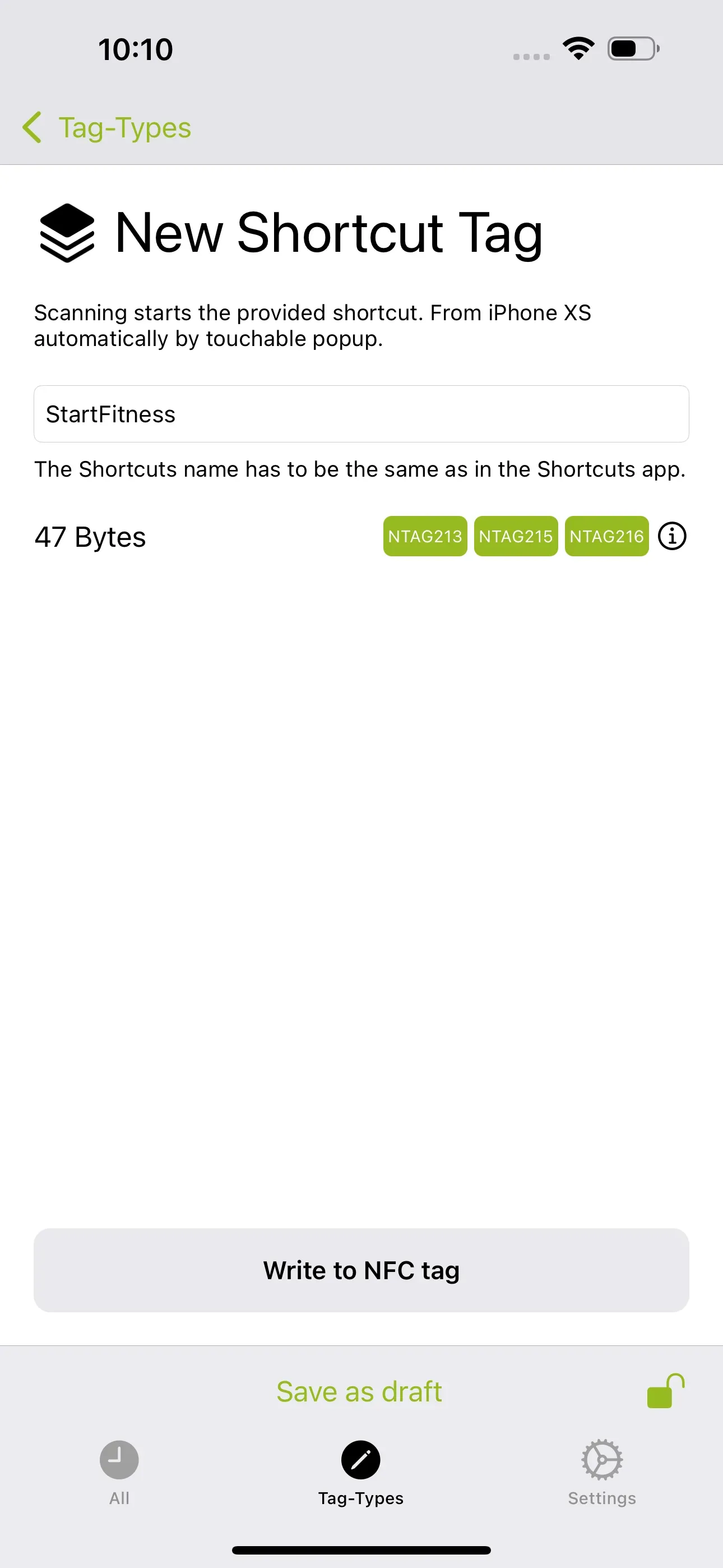
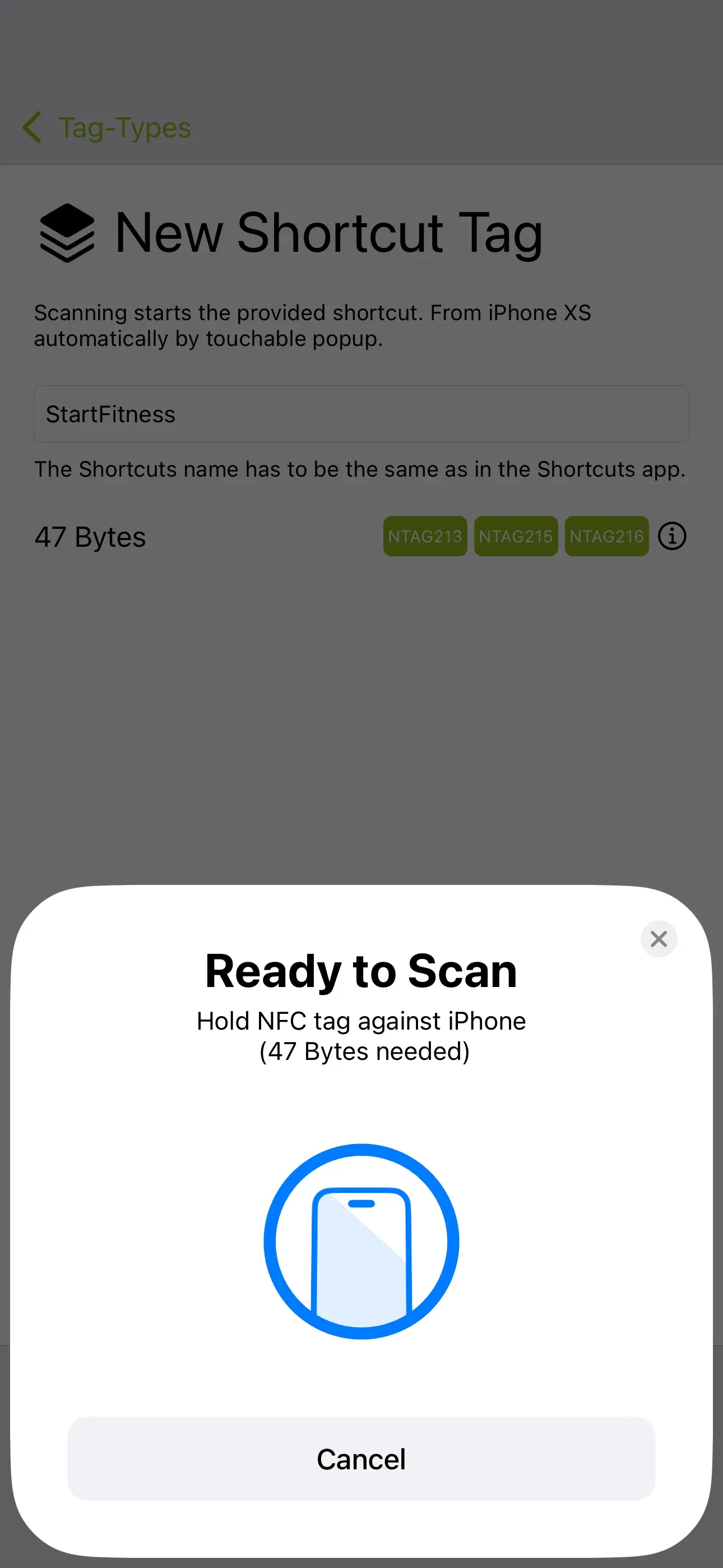
We now have a shortcut that opens a sports app. However, the aim is to start this shortcut or the app without having to operate the smartphone. To do this, we save the “StartFitness” shortcut we have just created to an NFC tag. To do this, we start the NFC21 Tools app, tap on Tag-Types → + Shortcut. In the input field, enter "StartFitness" → Write to NFC tag.
Addition: Record current location on the track
For longer runs, bike tours, etc., it may also be useful to save your current location and name it so that you can find it again later and to share it with other contacts. An NFC tag can also be created for such a case. We explain how this works here. When the tag is scanned with a smartphone, the current location is automatically saved.
Summary
In this article, we have described how a specific fitness app can be activated before training, using a short command and an nfc tag. This can be particularly useful, for example, before short training sessions and running, jogging or cycling.
Note: If you do not want to create the shortcut yourself, you can download the finished shortcut directly here. To do this, click on this link.
Associated operating systems
iOSFirst published: 25.07.2023 / Updated: 25.11.2025