 Near Field Communication (NFC) products Online Store
 Worldwide Shipping (free DE shipping)

A UID is an identification number consisting of letters and numbers, 7 bytes in size. The UID is globally unique, write-protected, and can be read by most NFC devices and all NFC-enabled smartphones. The UID cannot be deleted or changed, so that each NFC tag is uniquely identified.
A UID must always be read when a specific product (e.g., a garment) or security measures (seals) need to be clearly identified and recognized.
In this article, we explain how to read the UID with iOS.
Content:
Read the UID of an NFC tag
iPhone models from the iPhone 6s onwards can read NFC tags. Although scanning an NFC tag is possible without an additional app from iOS 14 onwards, an external app such as NFC21 Tools is required to display the UID of an NFC chip.
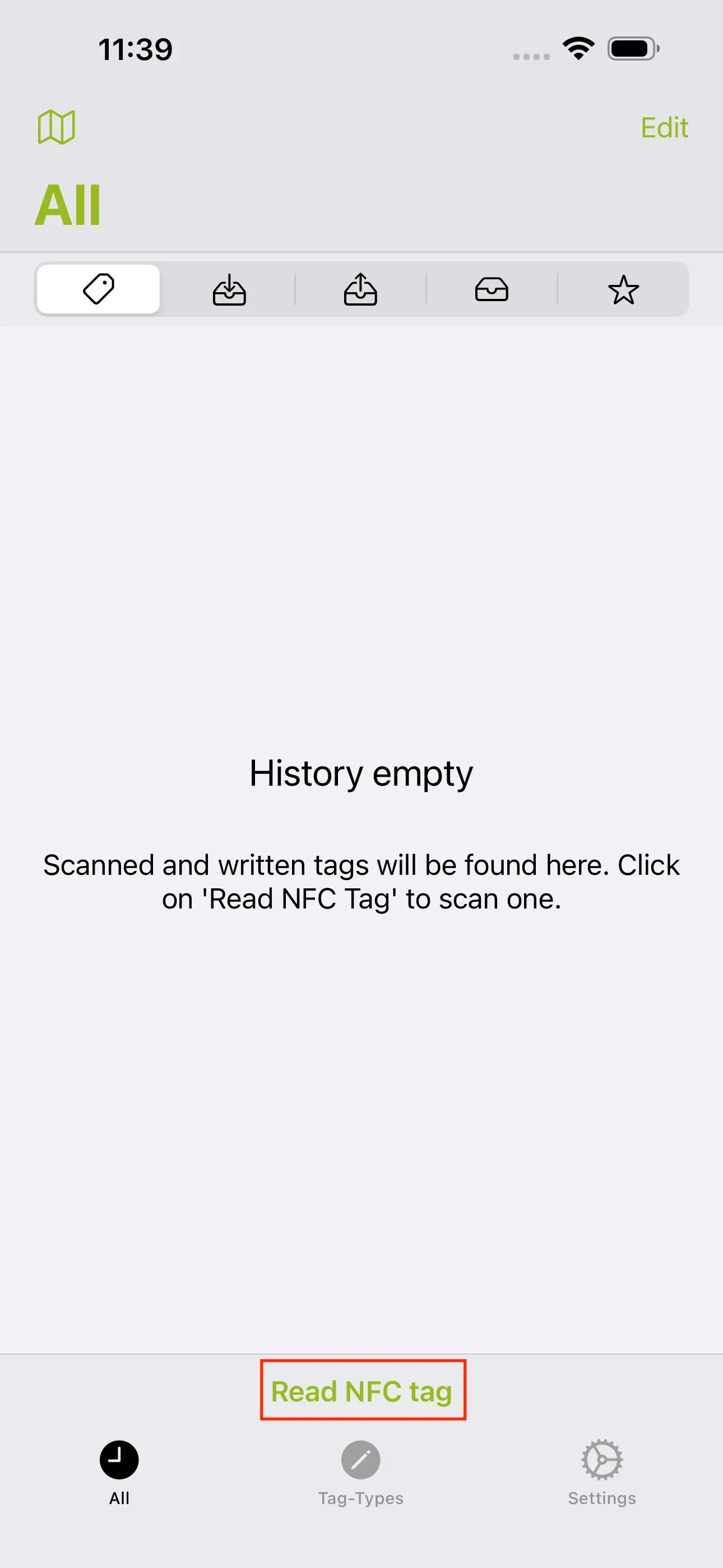
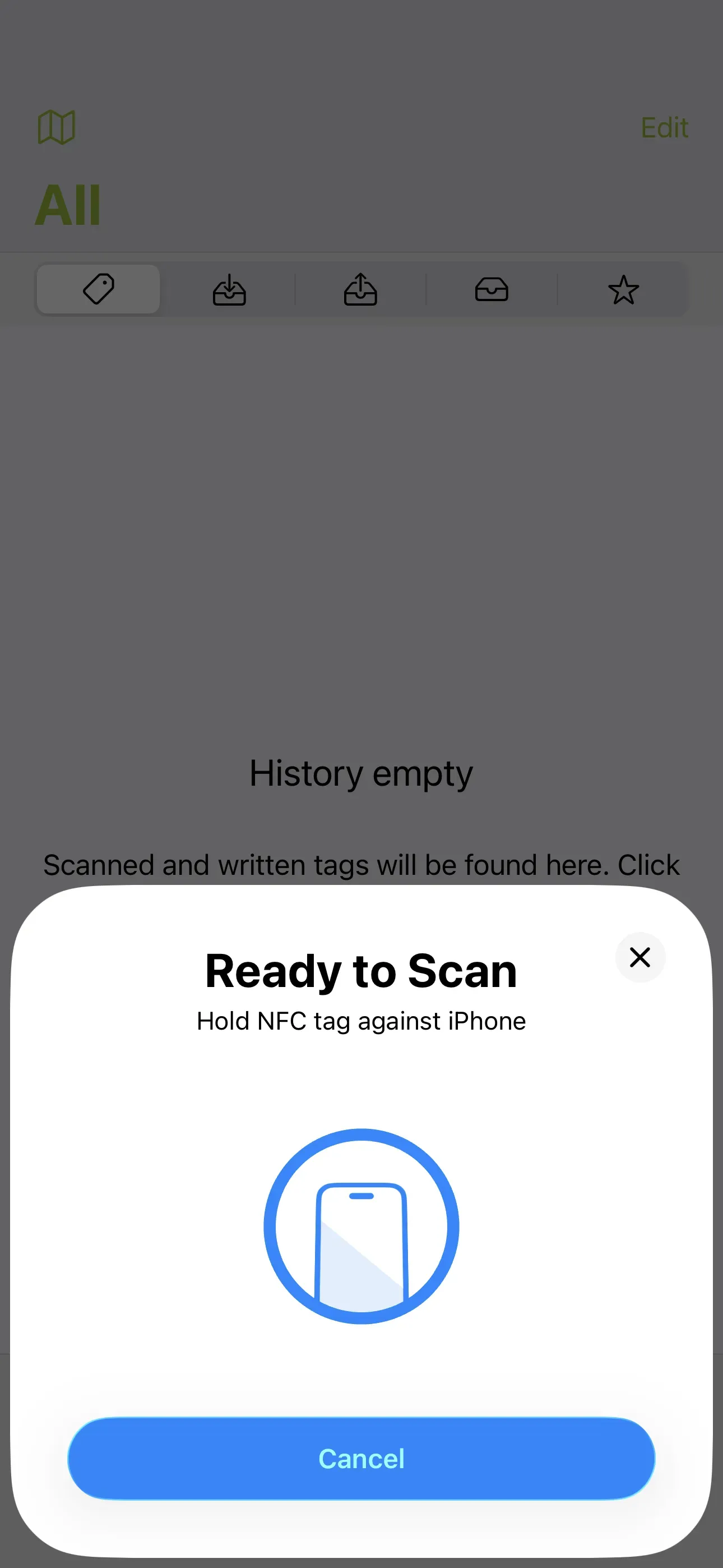
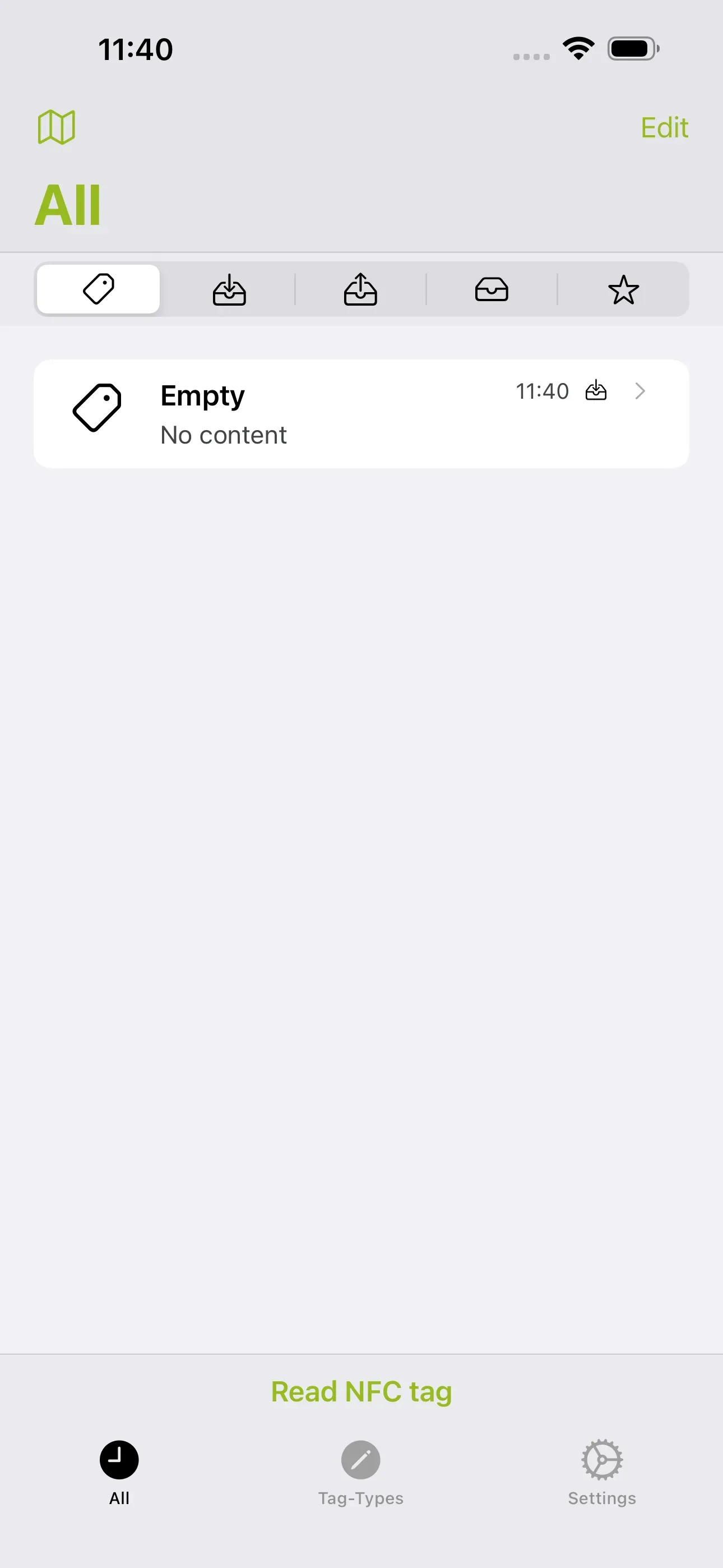
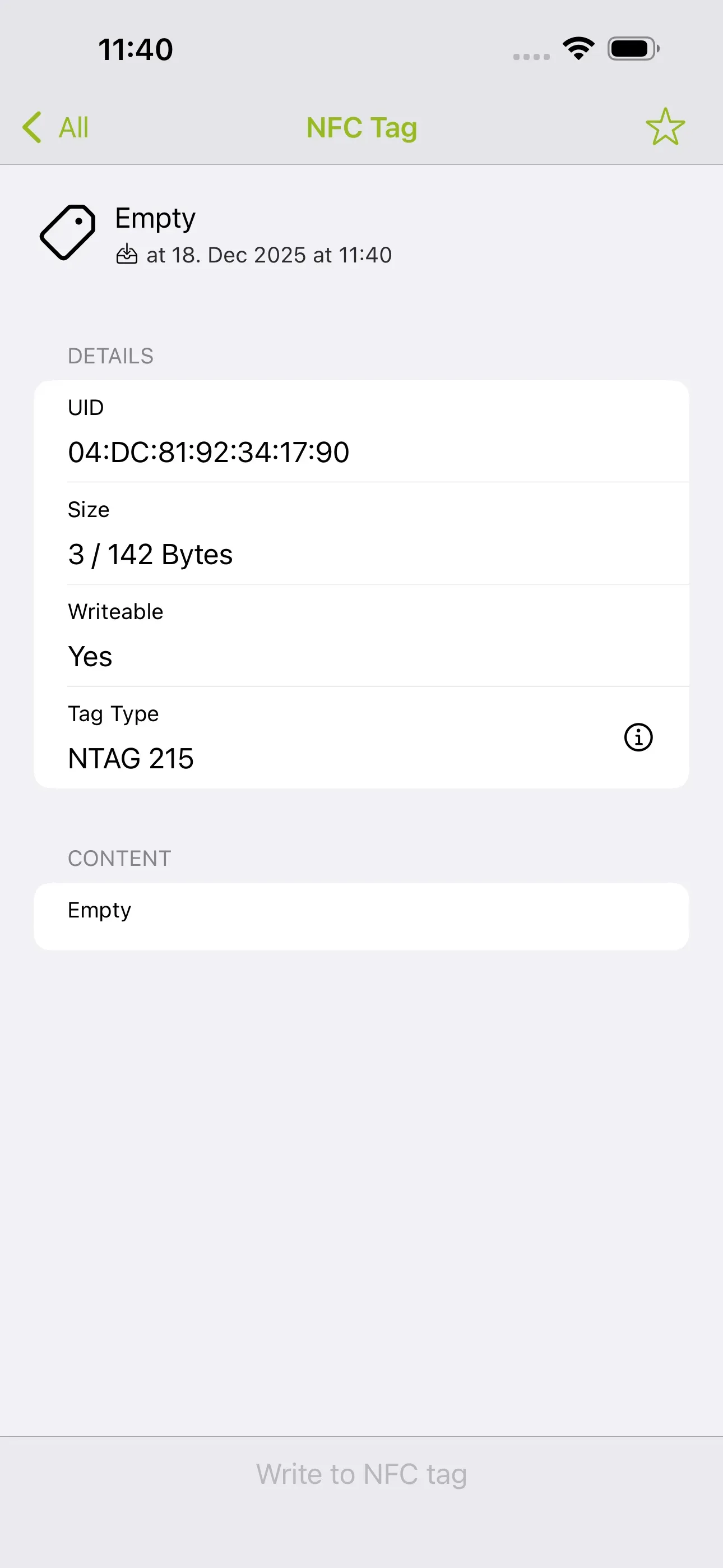
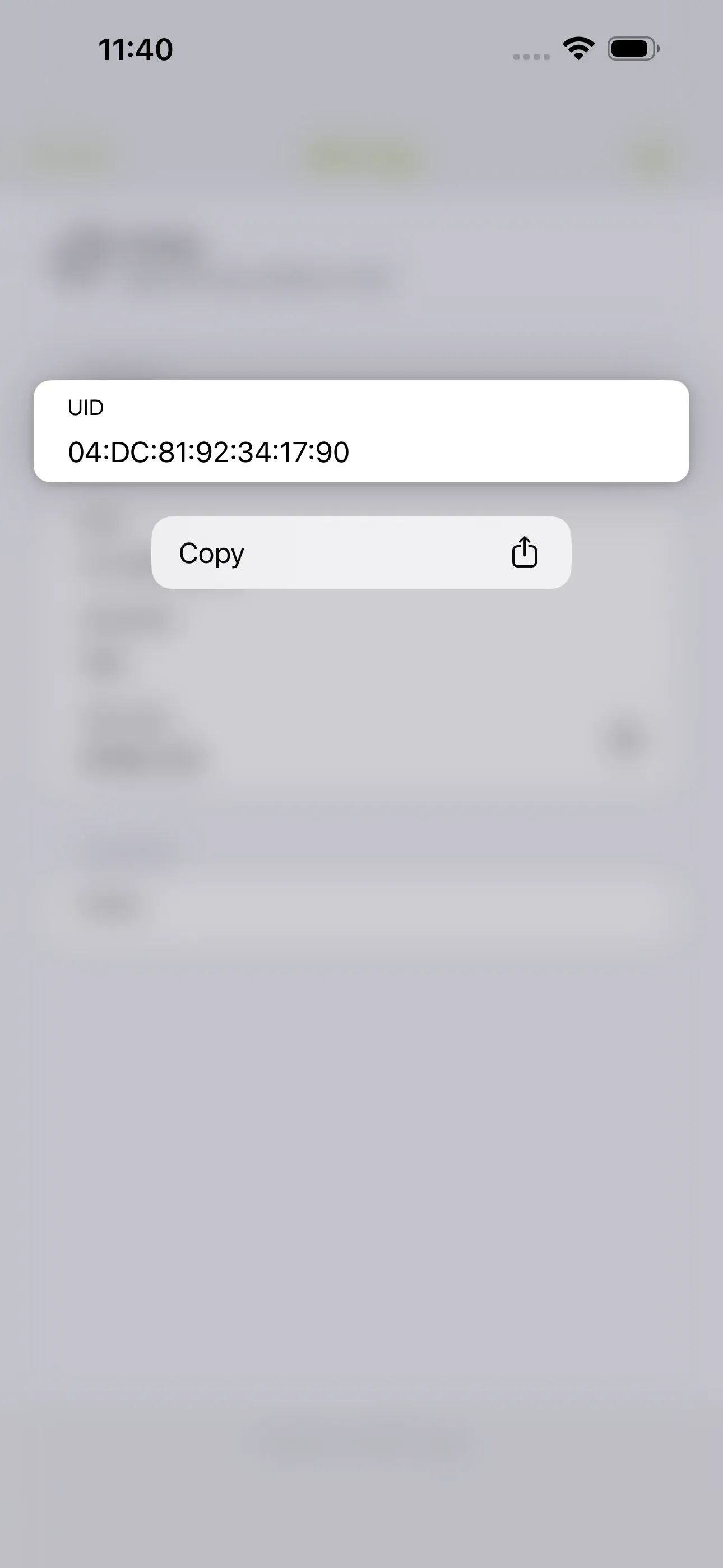
Therefore, open NFC21 Tools and then tap Read NFC tag at the bottom of the screen. Then hold the desired NFC tag against the upper back of your smartphone. After the NFC tag has been successfully scanned, a new entry will appear in the list. In our case, this entry is called “Empty” because the scanned NFC tag does not contain any content. Tap on the new list entry to display the UID. Here you can also obtain further information about the size, write protection, NTAG formatting, and content of the scanned NFC chip. You can also copy the UID of your NFC tag to the clipboard by tapping and holding it.
Summary
In this article, we briefly explained how the UID of any NFC chip can be read with iOS. This can be done using an external app such as NFC21 Tools.
Associated operating systems
iOSFirst published: 19.08.2025 / Updated: 18.12.2025