 Near Field Communication (NFC) products Online Store
 Worldwide Shipping (free DE shipping)

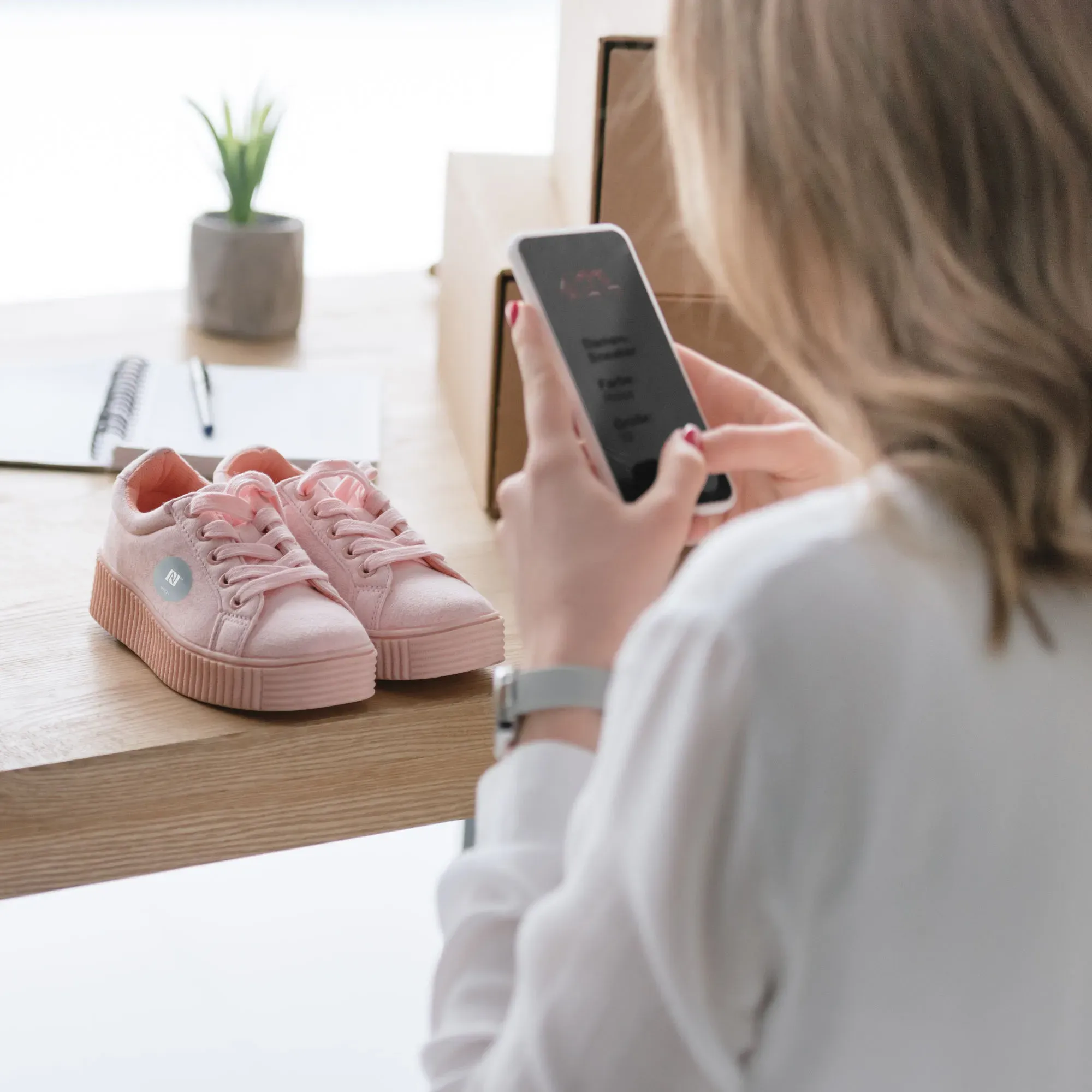
NFC tags are little helpers for everyday life. With their help, we can automatically set an alarm clock or a timer and calculate the time we need for our journey home. But they can also help us with visual impairments. For example, people who are visually impaired or blind may find it difficult to recognise different items of clothing or shoes. With an NFC tag, labels for individual items of clothing, shoes, etc. can be read aloud when scanned with a smartphone. To do this, we just need to create an automation using the free NFC Tools app and we need a blank NFC tag, such as an NFC sticker.
In this How2, we explain how to create an automation with an Android smartphone and save it to an NFC tag.
Content:
Create task
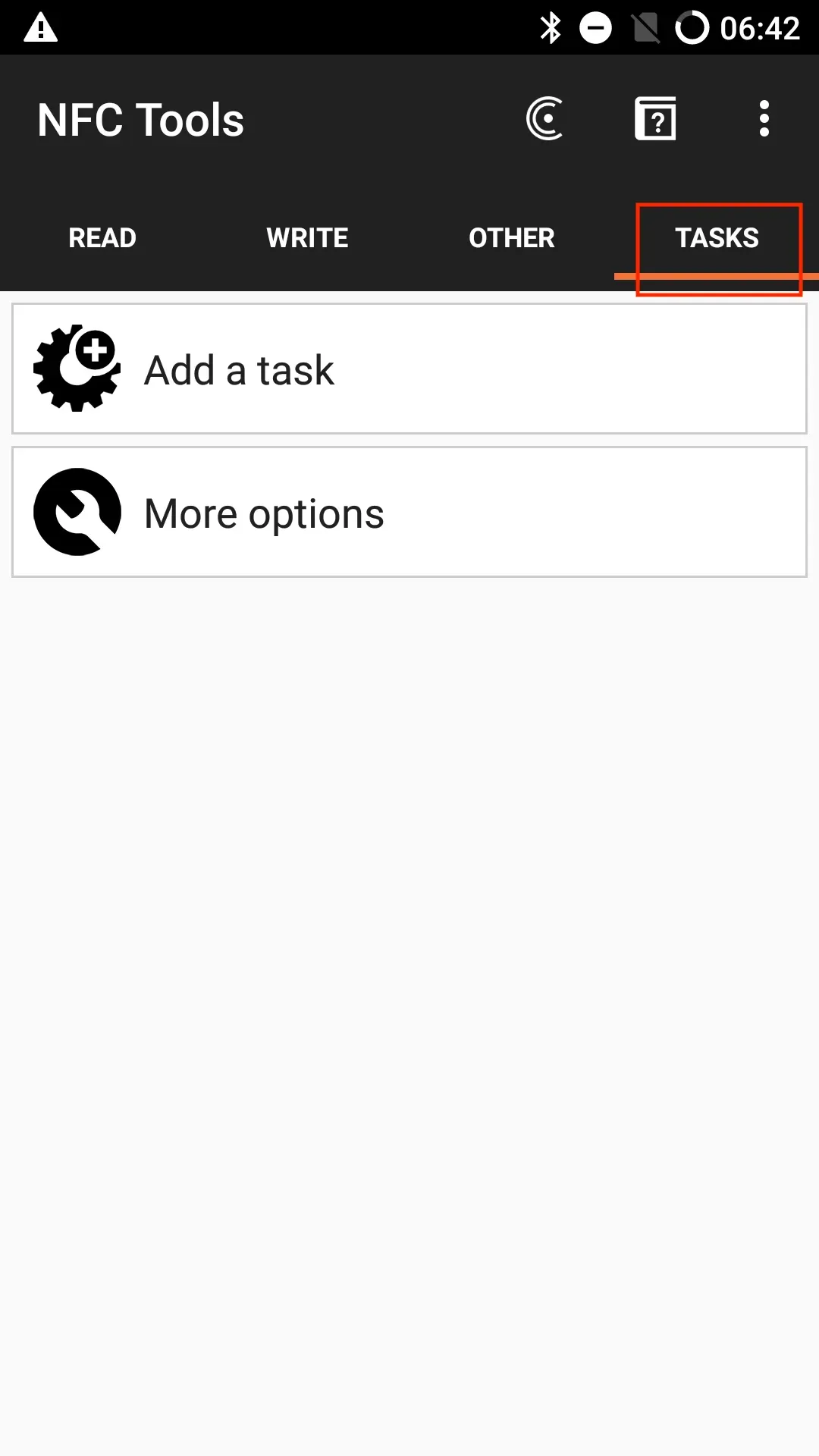
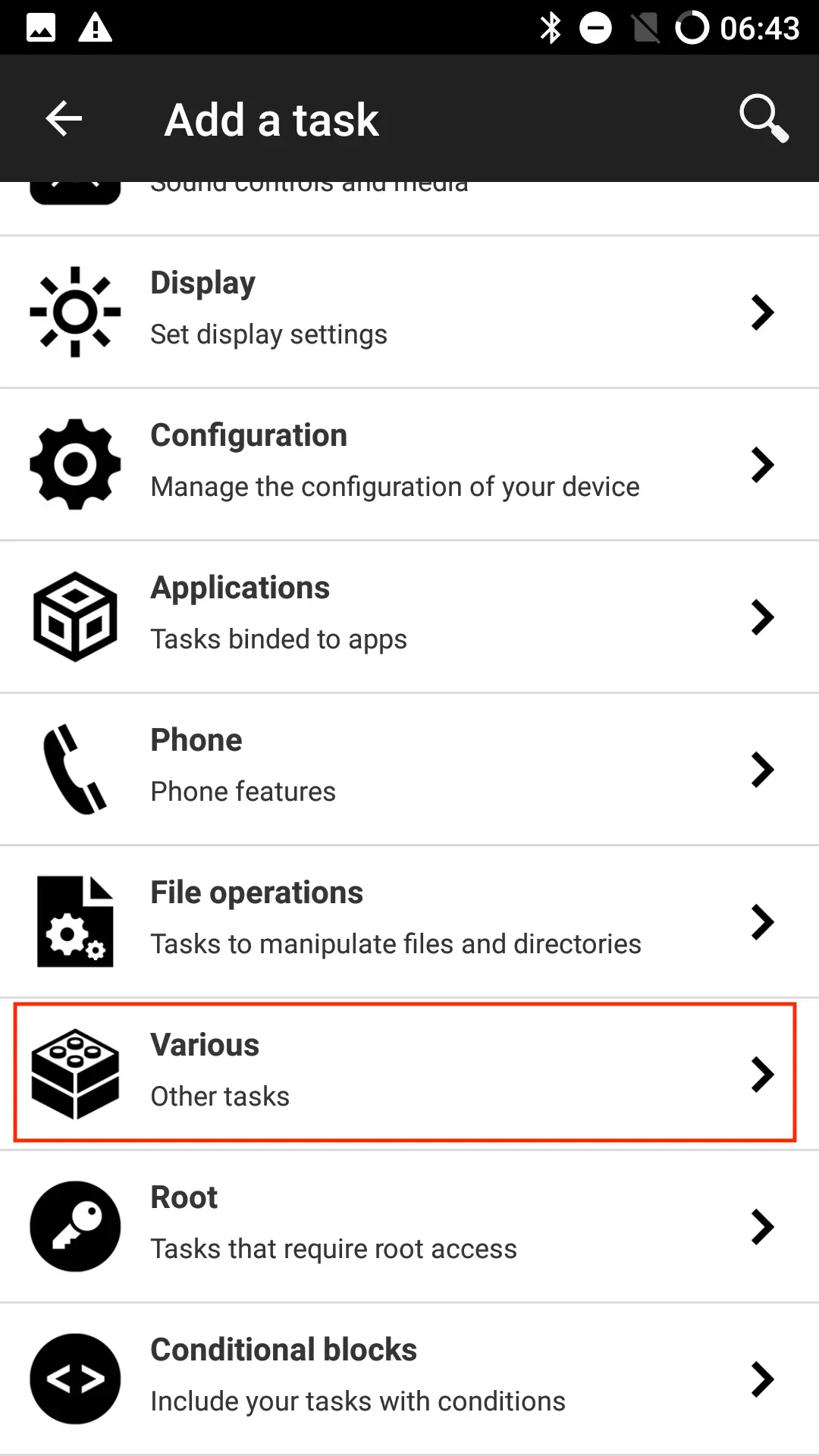
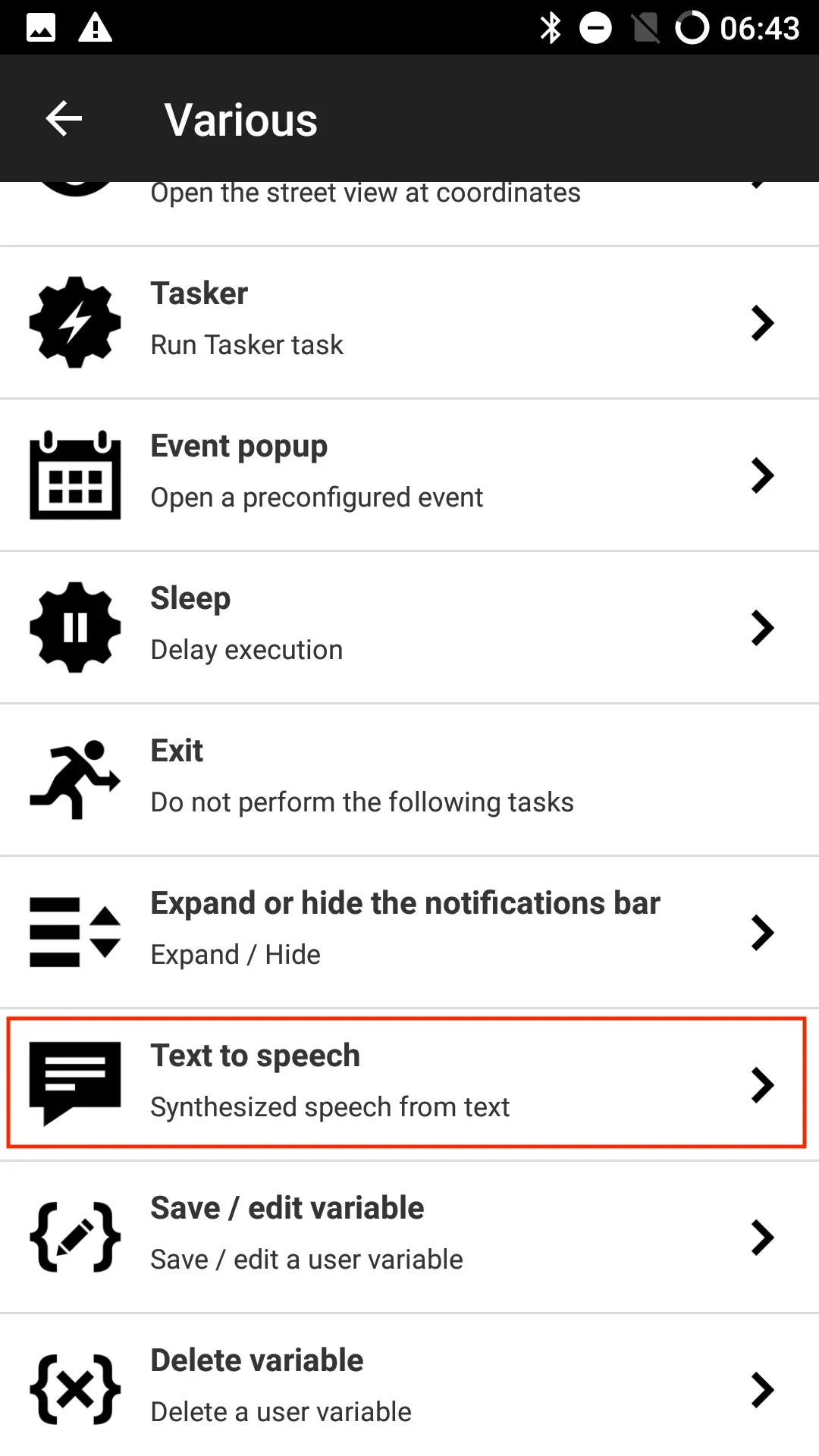
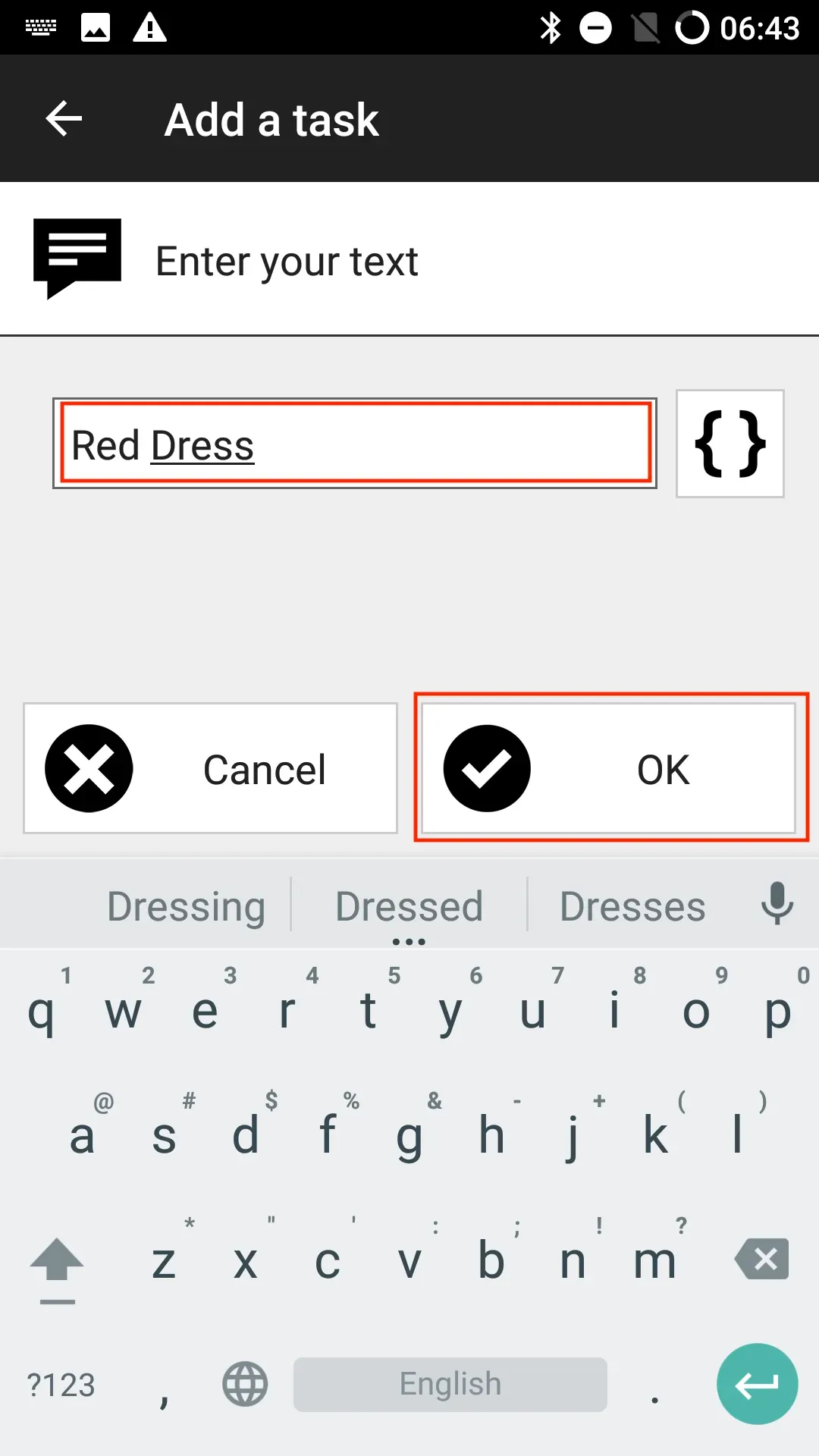
After opening the app, select the Tasks tab in the top right-hand corner. There, tap Add a task and select Various. This will display various other tasks. Then we tap on the action Text to speech. Here we enter a text, such as Red Dress. Then we tap on OK.
Write task to NFC tag
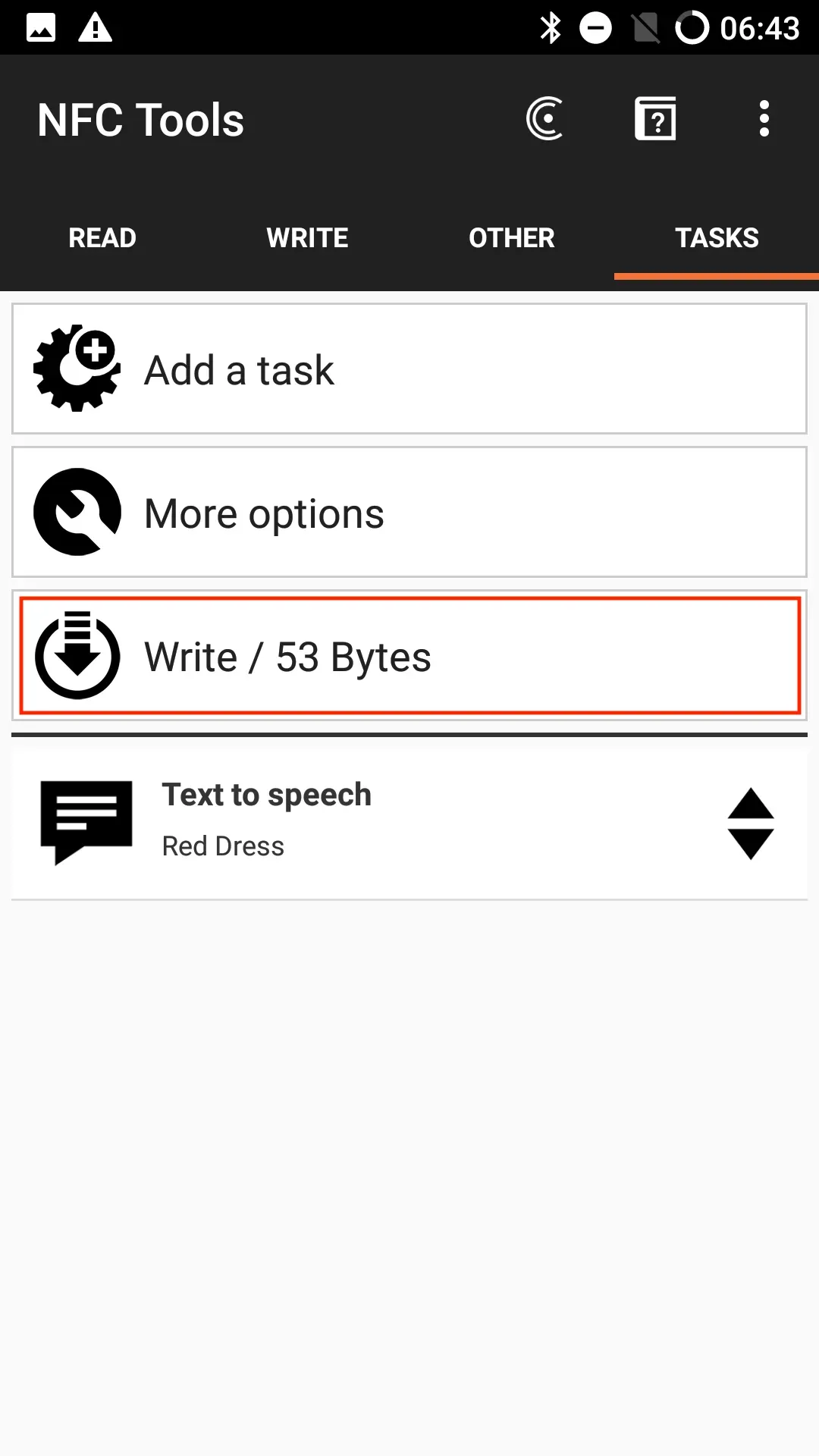
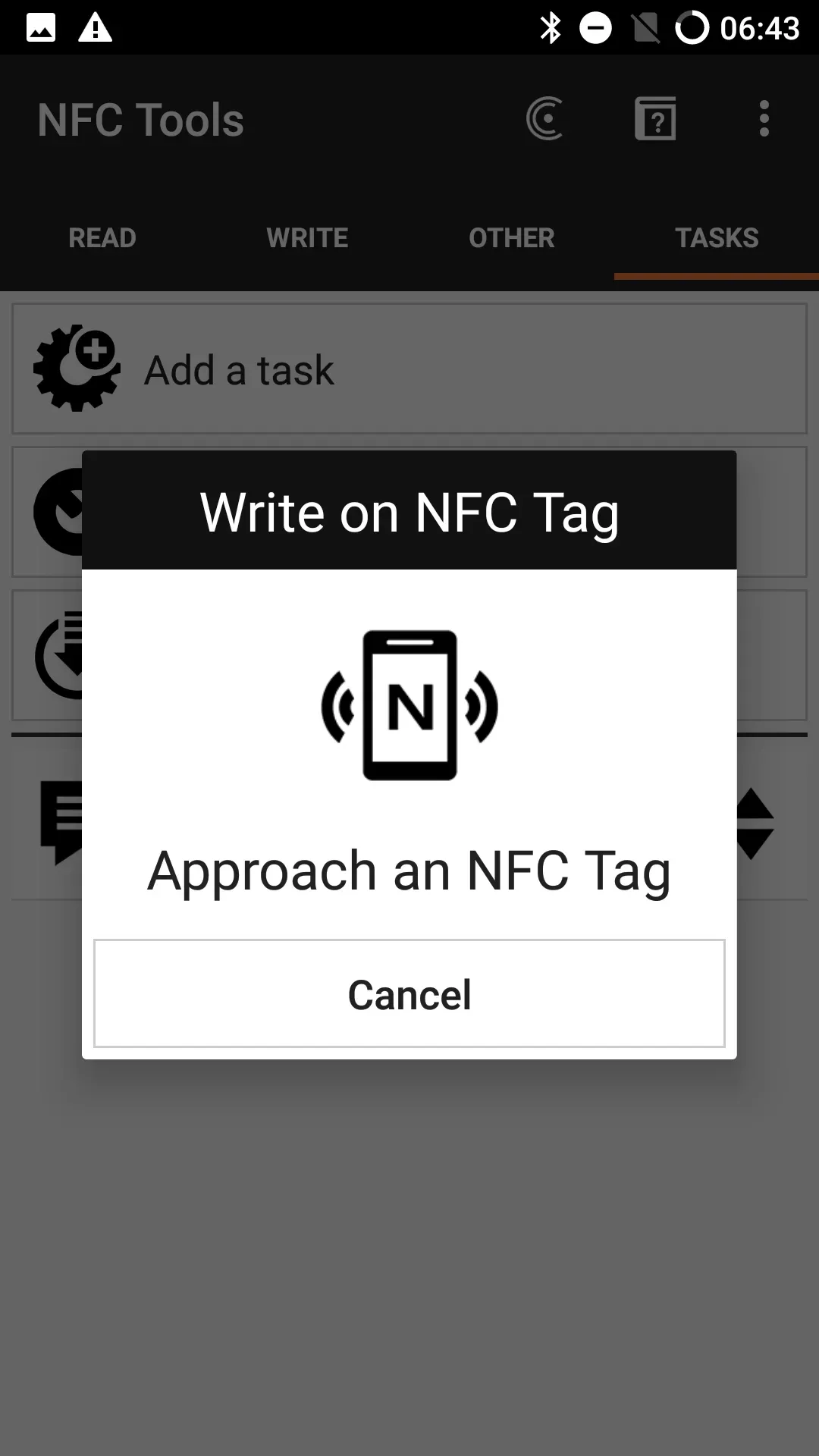
To write the task to the NFC tag, tap Write and hold the NFC tag against the top back of the smartphone.
Summary
In this How2, we explained how a self-defined text can be read aloud automatically by scanning an NFC tag on an Android device. We created a task for this purpose.
Associated operating systems
AndroidFirst published: 23.10.2025 / Updated: 30.10.2025