 Near Field Communication (NFC) products Online Store
 Worldwide Shipping (free DE shipping)

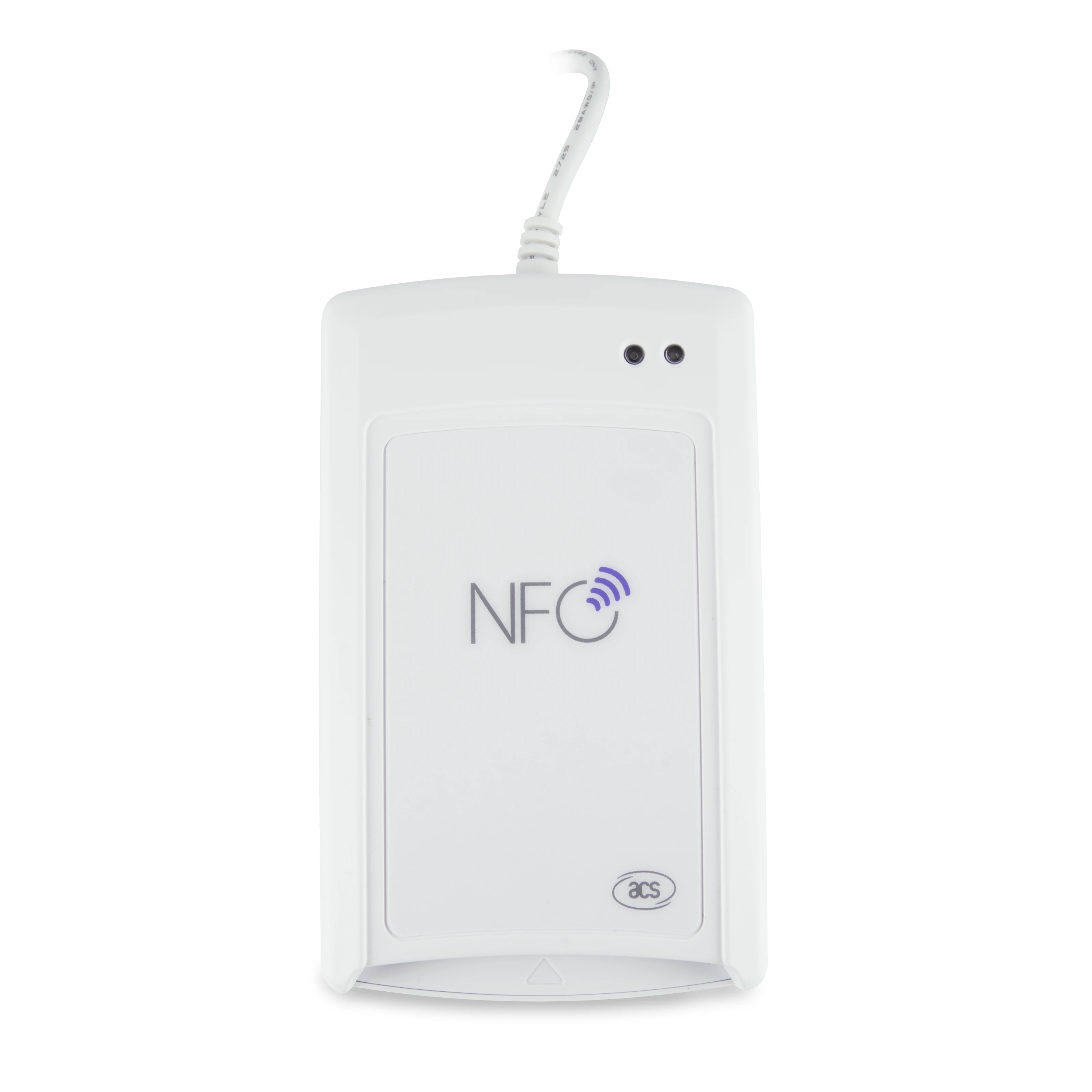
NFC Reader / Writer ACR1581U-C1 DualBoost III weiß - Duale Schnittstelle



€84.90
No longer available
€84.90
€82.90
€79.90
€76.90
€74.90
€72.90
€69.90
The ACR1581U-C1 DualBoost III is the third generation of the DualBoost series from ACS and enables the use of both contactless and contact cards. The device offers a high level of security and reliability and is suitable for a wide range of applications in various sectors, e.g. healthcare, finance or access control.
Functions:
- Supported card formats:
- ISO 7816 MCU Cards
- MIFARE® Cards
- Contactless cards with ISO 14443 type A and B
- FeliCa
- ISO 15693 Cards
- Keybord Emulation
- Card Emulation
- Interfaces: PICC, ICC and SAM (comply with PC/SC specifications)
- Execution of commands from the computer for communication with contactless tags, MCU/SAM cards and peripheral devices (LED, buzzer)
| NFC Hardware | |
| Case color: | white |
|---|---|
| Interface: | USB-A |
| Reader form: | ACR1581U-C1 (20,4 mm x 72 mm x 120,5 mm) |
| Reader frequency: | HF 13.56MHz |
| Standards: | FeliCa, ISO 7816 Class A, B, C, ISO 14443 Typ A & B, ISO 15693, MIFARE® |
Login
For our NFC21-Tools we have created a collection of How2s to use our NFC-Hardware. In this collection we show how to read and write NFC Tags.
With the free software from NFC21 the above hardware is directly usable and allows writing and reading of NFC tags under Windows.
Functions NFC21-Writer
- Easy management and creation of NFC tags in project form
- Creation of URL tags, text tags and business card tags
- Describing NFC tags
- Locking of NFC tags
Functions NFC21-Reader
- Starting the application in the background
- Automatic actions matching the content (open browser, show contact, show text)
- Insert tag content into active application via keyboard input (configurable)
- Read UIDs and insert them into active application
System requirements
- Operating system: Windows 8, 8.1, 10 (x64), 11
- Software: .NET 8.0 Runtime x64
- NFC tags: NTAG203, NTAG213, NTAG215, NTAG216
Important information
NFC21 GmbH
Mintarder Straße 12 a
45481 Mülheim an der Ruhr
office@nfc21.de
NFC21 GmbH
Mintarder Straße 12 a
45481 Mülheim an der Ruhr
kontakt@nfc21.de